Investwell Mint Training Library
Get the most out of Investwell Mint with our training videos. Watch full sessions or jump to a specific feature/use case using timestamps for quick reference.
▶️ Full Playlist: Watch on YouTube
Session 1: Basics & Client Management
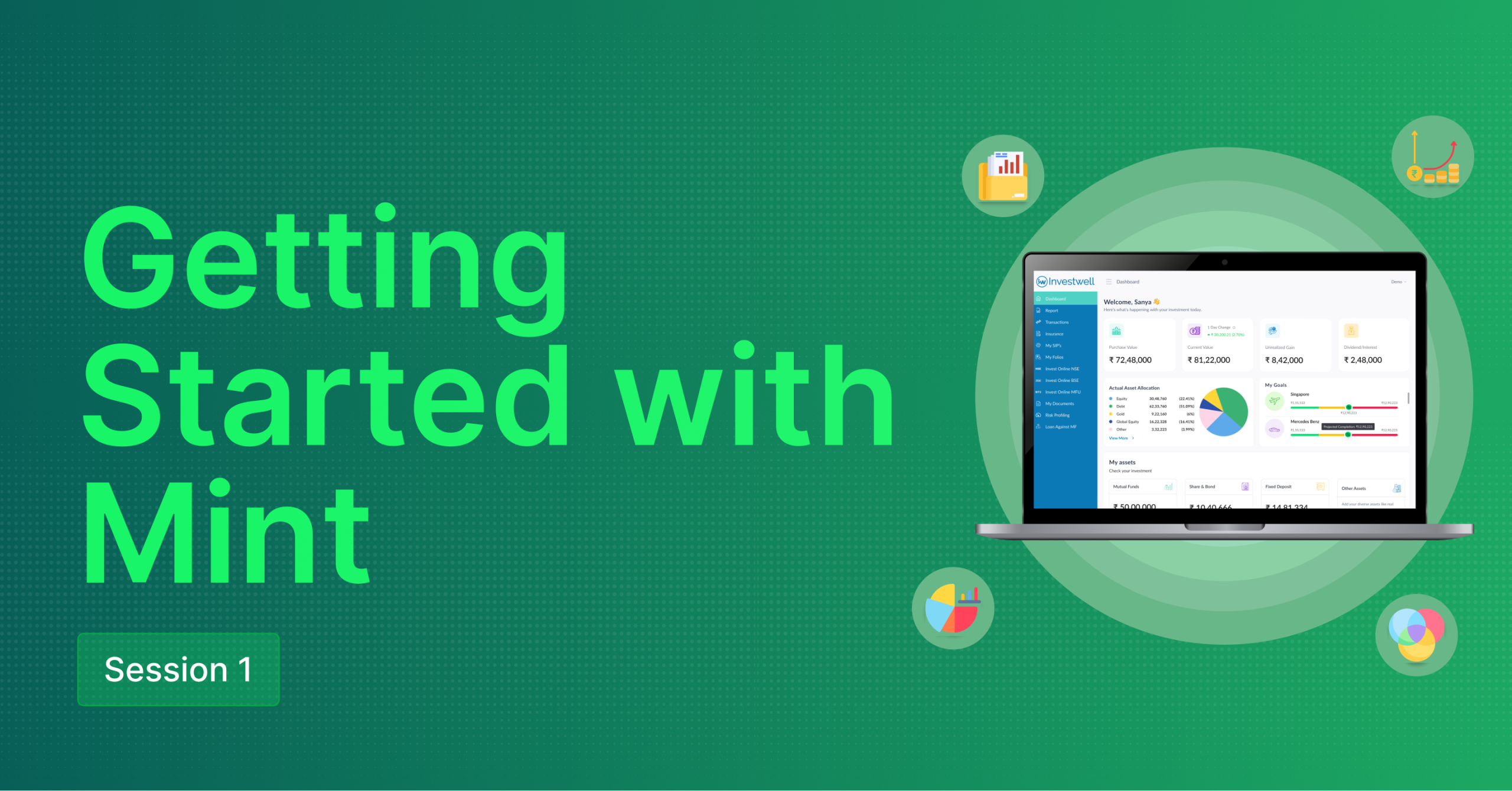
- Introduction to Investwell
- Login and Signup
- Prospect Self-Onboarding Module Overview
- Admin Dashboard Overview
- SIP and Transaction Overview
- SIP Mining (View Total SIP of Your Company)
- Different Credentials Update
- Compliances Report
- Alerts and Due Task
- Setup Auto Birthday and Anniversary Mailer
- Clients Menu
- Merge Duplicate Clients in Bulk
- Other Actions (Set Family Head, Group/Ungroup Family Members)
- Send Invitation to Clients
- Lock/Unlock Client’s Profile
- Remove Client with Zero AUM
- Folio Lookup
- Setup Email Configuration
- User Creation (RM, Broker, Sub Broker and More)
- Send Invitation to User
- Manage Access Permission for Users
- Map User with Investor

- Introduction to the Investor Portal
- Welcome Email and Login Process
- Alternative Login Methods (OTP, Gmail)
- Dashboard Overview
- Goal Achievement and Insurance Overview
- Document Upload and Risk Profile Submission
- Investment Journey
- Reports (Portfolio Valuation)
- Portfolio Summary Report
- Asset Allocation Report
- Capital Gain Realized Report
- Capital Gain Unrealized Report
- Dividend Report
- Profit and Loss Report
- Portfolio Performance Report
- Portfolio Rebalancing
- Portfolio Snapshot
- Transaction Menu
- Insurance Menu
- My SIP Menu
- My Folios
- Document Vault (Upload Imp Doc for easy access)
- Risk Profile Assessment
- Watchlist (One Day and Historical Change of Investment Schemes)
Session 2 - Investment Tools and Utilities
- Session Overview
- BSE API Login
- API Credentials Setup
- Importing Data from BSE
- BSE Portal Login & Data Download Process
- Uploading UCC Data to Investwell
- Handling Rejected UCCs
- Create UCC for (New/Existing) Clients
- Mandate Creation
- Initiate Order
- Fund Picks (Feature Overview)
- Additional Transactions in Existing Investments
- Manage Order
- Bulk Order Placing
- Key tips and conclusion
- Setting Up NSE Invest
- Creating UCC for New Investor Onboarding
- Status (Active/Inactive/Incomplete)
- Mandate Creation Process
- Start New Investment
- Additional Transaction (Make Investments in Existing Schemes)
- How to use the Cart (Investor and Broker Cart)
- Manage Profile (Manage and Perform actions for UCC & Mandates)
- My Orders (Order Status & Track Order)
- Systematic Orders (Modify or Cease SIP)
Session 3

- Overview
- AUM Reports
- SIP Mining
- Cash Flow
- Alert Reports
- Security Exposure
- Change of Broker
- AUM Growth Report
- SIP Business Report
- Variance in Allocation
- Redemption Simulation
- Inactive Clients
- Missing SIP
- ELSS Procurement Report
- SIP Procurement Report
- Cross-Sell Report
- Client Acquisition Report
- Direct vs Regular Savings
- Switch Out Without Switch In
- AMFI Due Diligence
- Transaction Confirmation Mail
- Investor Data Mining Report
- Explanation of what the report includes
- How advisors can filter and extract specific investor data
- Use cases and benefits of this report
- Risk Profiling
- Overview of Submitted Risk Profiles
- Setup Risk Profiler
- Billing
- Explanation of billing functionality
- How advisors can generate and manage invoices


